Best Mods to Enhance Your Gameplay Experience
12 July 2026
Let’s be real for a second—no matter how good a game is, after a while, we all crave something new. That’s where mods sweep in like a superhero in a pixelated cape. They breathe fresh life into your favorite games, spark creativity, and sometimes completely transform the way a game feels and plays. Whether you're trying to turn Skyrim into a photorealistic fantasy epic or want to make Minecraft look like a modern-day indie masterpiece, mods are the secret sauce.
In this guide, we’re diving deep into the best mods to enhance your gameplay experience. We’re not just talking about basic tweaks—it’s all about those game-changing mods that make you sit back and say, “Whoa, I didn’t know it could be this good!”
So grab your Mountain Dew, charge your controller (or mouse), and let’s mod the heck out of your gaming world!
? What are Game Mods, Anyway?
Before we get ahead of ourselves, let’s answer the big question: What exactly is a “mod”?A mod (short for “modification”) is basically user-created content that alters or enhances a video game. Mods can be minor—like adding a new weapon—or massive overhauls that practically turn a game into something else entirely. They can improve graphics, add new features, fix bugs, or just be straight-up ridiculous (looking at you, Thomas the Tank Engine Skyrim mod).
The best part? Mods are often made by community legends who love the game as much as you do.
?️ Why Use Mods?
Still wondering if you should dip your toes into the modding pool? Here's why so many gamers swear by them:- Customization – You get to tailor the game exactly to your liking.
- Better Graphics – Make old games look brand new.
- New Content – Expand the original game with fresh quests, characters, or maps.
- Bug Fixes & Quality of Life – Fix what the developers forgot.
- Total Conversions – Play an entirely different game using the same engine.
Now let’s jump into the juicy part—the best mods out there by genre and game.
? Best Skyrim Mods – Venture Into a Whole New Tamriel
Yep, we’re starting with the GOAT of modding: The Elder Scrolls V: Skyrim. Even more than a decade after launch, mods are keeping it alive and more epic than ever.? 1. Skyrim Script Extender (SKSE)
Before anything else, install this. It’s the backbone for most other mods to work correctly.? 2. Skyrim HD – 2K Textures
Want the snowy mountains and cobblestone streets to look stunning? This texture mod works magic on your eyes.? 3. Ordinator – Perks of Skyrim
Tired of the vanilla perk system? Ordinator adds hundreds of new perks and makes the leveling system worth exploring again.? 4. Alternate Start – Live Another Life
Forget the whole dragonborn intro. This mod lets you choose different start stories, making each new playthrough feel unique.? 5. Inigo (Companion Mod)
If you're tired of Lydia yelling “I am sworn to carry your burdens,” Inigo brings a fully-voiced, sarcastic, story-rich companion you'll actually care about.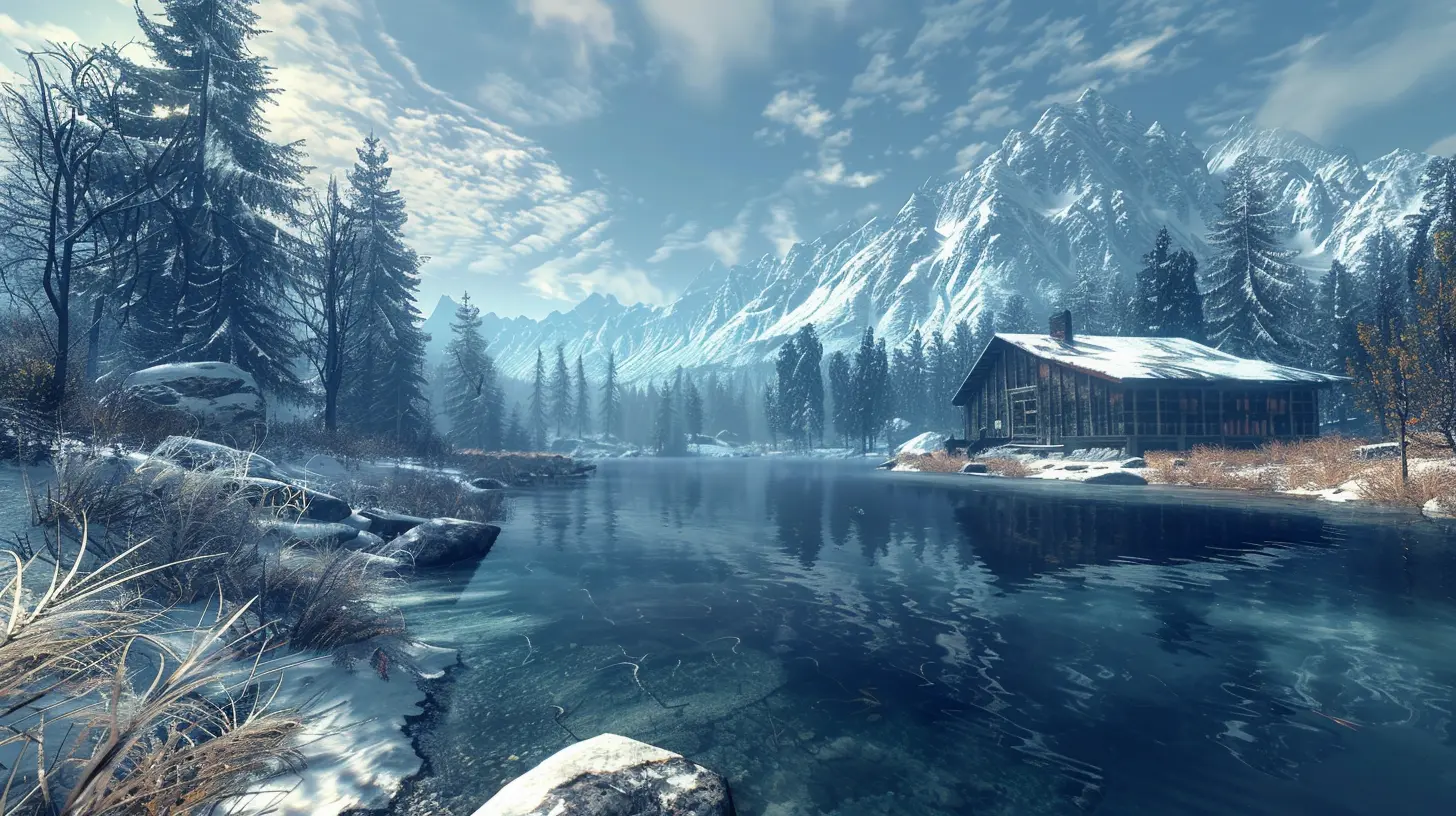
? Best Minecraft Mods – Build Beyond Your Imagination
Minecraft is already a blast, but mods take it from “fun” to “mind-blowing.” Whether you're after realism or insanity, there's something for you.? 1. OptiFine
This is a must-have. OptiFine boosts FPS, adds shaders, and just makes everything smoother and prettier.? 2. JEI (Just Enough Items)
Ever forget how to craft something? JEI gives you an in-game recipe book and makes survival ten times easier.? 3. Biomes O’Plenty
Add tons of new biomes, each with unique trees, plants, and vibes. Explore forests, deserts, and mystical lands like never before.⛏️ 4. Tinkers’ Construct
Tired of the same vanilla tools? Build modular weapons and tools with unique attributes and effects. Super fun to experiment with.? 5. RL Craft
Warning: this isn’t for the faint of heart. RL Craft turns Minecraft into a hardcore, survival hellscape. You’ll die. A lot. But it's insanely addictive.⚔️ Best Modded Experience for The Witcher 3 – Geralt Glow-Up
Geralt's journey is already a masterpiece, but mods can still enhance the world of The Witcher 3 in incredible ways.? 1. HD Reworked Project
This mod massively improves textures while keeping them lore-friendly. It feels like getting a remastered version of the game—without paying extra.? 2. Friendly HUD
Cleaner interface, toggleable UI elements, and more immersion. It’s like removing the training wheels.? 3. Fast Travel from Anywhere
Let’s face it: sometimes, you just don’t want to find a signpost. This mod keeps things convenient without breaking immersion.? 4. Music Overhaul Project
Feel like mixing things up? Add new soundtracks or higher-quality music to turn every fight into an epic cinematic event.? Best Fallout 4 Mods – Reviving the Wasteland in Style
Bethesda’s post-apocalyptic shooter is a modding playground. Whether you're into realism or chaos, there’s something that will suit your style.? 1. Fallout 4 Script Extender (F4SE)
Just like with Skyrim, this is essential. Many mods won’t work properly without it.? 2. Sim Settlements 2
Turn settlement building into an actual game. You can build real towns with economies and NPCs that do things on their own. It’s a game-changer, literally.? 3. True Storms
Let the weather scare you. This mod adds intense storms, dust clouds, and creepy ambiance that make the Wasteland feel alive.⚒️ 4. Armorsmith Extended
Get full control over your outfits with customizable armor pieces. Style and practicality? Yes, please.? Best Grand Theft Auto V Mods – Chaos and Creativity in Los Santos
GTA V is iconic, but with mods? It becomes absolutely wild.? 1. LSPDFR (Los Santos Police Department First Response)
Ever wanted to play as a cop in GTA? Now you can! Enforce the law rather than break it for a change.? 2. NaturalVision Evolved
This is arguably the best graphics mod for GTA V. It looks jaw-droppingly realistic—think Hollywood movie vibes.? 3. Iron Man Mod
Fly around, shoot repulsor beams, and basically become Tony Stark in Los Santos. Need we say more?? 4. Open All Interiors
Now you can enter buildings that used to be locked. Adds a lot of exploration value and makes the city feel more alive.?️ How to Install Mods – Quick Guide for Beginners
Feeling hyped but not sure how to install these mods? Don't sweat it! Here's a simple breakdown:1. Check Compatibility – Always read the mod description to ensure it works with your game version.
2. Use a Mod Manager – Nexus Mod Manager or Mod Organizer are life-savers for Bethesda games.
3. Backup First – Always back up your saves before adding new mods. Trust us, you'll thank yourself later.
4. Read Instructions – Modders often include special steps. If you skip these, your game might crash or break.
5. Test One at a Time – Don’t go wild installing 20 mods in one go. Add them one by one to know what’s working (or not).
? Tips for a Better Modding Experience
- Join Modding Communities: Reddit, Discord servers, and forums are treasure troves of advice.- Run Mod Load Order Tools: For complex games like Fallout or Skyrim, using LOOT keeps things running smoothly.
- Stay Updated: Mods often get bug fixes or compatibility patches. Keep everything up to date.
- Don’t Overload: More isn’t always better. Too many mods can slow down your game—or even crash it.
? Final Thoughts
Mods are the spice rack of the gaming world. A sprinkle of better textures here, a dash of new content there, and suddenly your game tastes totally different—and way better.Whether you're new to modding or a seasoned pro, the world of mods is limitless. They’re more than just add-ons; they’re love letters from the community to the games we’ve played for hours (okay, possibly hundreds of hours).
So go ahead, give your favorite game a glow-up. You might just fall in love with it all over again.
all images in this post were generated using AI tools
Category:
Game GuidesAuthor:

Leandro Banks