Everything You Need to Know About Game Difficulty Settings
14 December 2025
Let’s be honest—when you boot up a new game, one of the first questions it throws at you is: “Choose your difficulty.” And just like that, your brain freezes. What does “Normal” even mean anymore? Is “Hard” going to make you cry? And “Easy”... is it too easy?
In this deep dive, we’re going to break down everything you need to know about game difficulty settings. From how they work behind the scenes to why developers include them, and even how to choose the right one for you, we’ve got it all covered. Think of this as your difficulty-level decoder ring.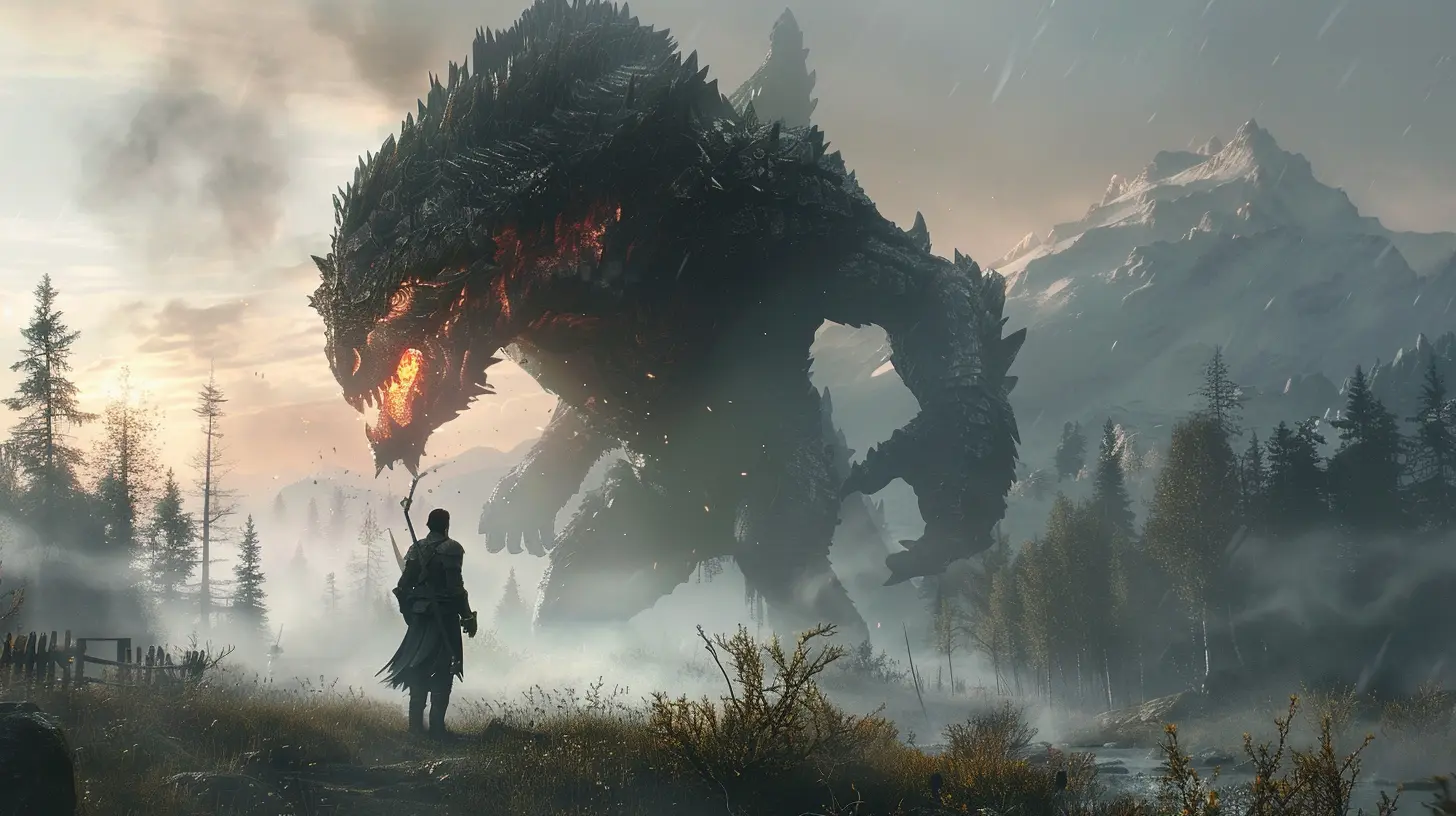
What Are Game Difficulty Settings?
Game difficulty settings are those options you pick at the beginning—or sometimes mid-game—that adjust how challenging your gaming experience will be. But it’s not always just about enemies hitting harder or having more health. Oh no, it’s way more layered than that.Typically, games offer three to five core difficulty options like:
- Easy
- Normal (or Standard)
- Hard
- Very Hard/Expert/Nightmare
- Custom/Adaptive
Each of these settings adjusts certain gameplay mechanics to shape how you experience the world the developers built.
A Quick Trip Down Memory Lane
Difficulty settings aren’t exactly new. Back in the arcade days, difficulty was cranked up to make games harder—you were meant to lose so you’d dump more quarters into the machine. It wasn’t about player comfort; it was all about coin munching.Fast-forward to home consoles and PC gaming, and things changed. Developers started using difficulty settings to accommodate all kinds of players—from those who just want a relaxing experience to the masochists who crave brutal, soul-crushing challenges (yes, we’re looking at you, Dark Souls fans).
What Exactly Changes When You Pick a Difficulty?
You might think a higher difficulty just means “more health for enemies, less health for you.” That’s only part of the picture. Different games tweak different things:1. Enemy Health & Damage
The classic change—on harder levels, enemies can take more punishment and hit you like a truck.2. Player Damage Output
You may also dish out less damage, making every fight longer and more dangerous.3. AI Behavior
Enemies don’t just become tougher—they get smarter. Better flanking, faster reactions, more aggressive tactics…it can be like giving your enemies a PhD in battlefield strategy.4. Resource Availability
Ammo, health packs, save points, and other goodies might be fewer and farther between.5. Game Objectives
Some games layer on extra goals or reduce your margins for error—like tighter time limits or increased mission complexity.6. Checkpoints & Save Systems
A forgiving difficulty setting might autosave after every sneeze you make. On higher levels? Don’t sneeze. You’ll probably have to replay the last 30 minutes.
Why Do Developers Include Difficulty Settings?
It all comes down to accessibility and player agency. Let’s face it—not everyone plays games for the same reasons.- Some people want an immersive story.
- Others want a skill-based challenge.
- Some are brand new to gaming.
- Others have reflexes honed over years of caffeine-fueled FPS battles.
By offering difficulty settings, developers give players more freedom to experience the game their way. It makes games more inclusive and expands their audience.
Fixed vs. Dynamic Difficulty
Not all difficulty is created equal. Some games lock you into one setting. Others let you change it whenever you like. And then there are games that adapt automatically.Fixed Difficulty
You pick your flavor, and that’s it—at least until you start a new game. Old-school RPGs often do this. Once you go “Normal,” you’re married to it.Selectable Difficulty
Most modern games let you change difficulty on the fly. Struggling with a boss? Knock it down a notch. Feeling confident? Turn it up.Dynamic/Adaptive Difficulty
Now this is where things get fancy. Games like Resident Evil 4 adjust difficulty based on how well you’re playing. Doing great? The game ups the ante. Struggling? It'll secretly give you a break. Kinda like a coach that changes the drill based on your performance.Popular Games and Their Difficulty Settings
Let’s check out how some big-name titles handle difficulty, because the variety is insane.1. Elden Ring (FromSoftware)
Difficulty Setting: Nope, doesn’t exist.Why? Because FromSoftware believes in a singular, shared experience. The idea is that the challenge is part of the narrative and discovery.
2. The Witcher 3
Offers multiple levels from “Just the Story” to “Death March.”Each bump in difficulty changes enemy behavior, damage, and potion effectiveness.
3. DOOM Eternal
This game has some of the most transparent difficulty changes. On “Ultra-Violence,” enemy aggression and speed are noticeably higher. On top of that, ammo scarcity becomes a real problem.4. Horizon Forbidden West
Includes both traditional and custom settings. You can tweak individual parts like enemy health and player damage—tailor it exactly how you like.5. Celeste
It has an Assist Mode, which isn’t your typical difficulty setting. Instead, it gives options like invincibility, slowing game speed, or infinite stamina. It’s a great example of accessibility done right without damaging the core experience.How to Choose the Right Difficulty for You
The trick is picking the level that balances fun and frustration. Here's how you can decide:Ask Yourself:
- Do I want to focus on the story?- Am I here for combat and mechanics?
- How often do I play games like this?
- Do I want a challenge or a chill time?
Start with Normal
It’s called “Normal” for a reason. It’s the developer’s baseline. If you breeze through it or get stomped, then you’ll know to adjust up or down.Don’t Worry About Pride
Choosing “Easy” doesn’t make you any less of a gamer. Your time, your rules. If you want to enjoy the story without dying every five minutes, more power to you.The Rise of Accessibility and Customization
We can’t talk difficulty without talking about accessibility. More games are realizing that difficulty settings can also help players with disabilities or different needs enjoy their games fully.Games like The Last of Us Part II offer granular control over nearly every aspect of the challenge—from combat speed to enemy awareness. It’s not just about “easy or hard” anymore. It’s about tailoring the experience to YOU.
Challenge Isn’t Always About Combat
Not all difficulty is in how hard enemies hit. Some games challenge other skills.- Puzzle Games: They test your logic and patience.
- Management Sims: You juggle resources and decisions.
- Platformers: It’s all about timing and reflexes.
So, when we talk difficulty, it’s not just about combat. It’s about how the game asks you to engage with it—and how it rewards or punishes your approach.
Are Games Getting Easier?
Some folks argue that modern games are getting easier. Maybe they’re just more accessible. Autosaves, tutorials, hints—it’s different than the “Git Gud” era of gaming.But look closer. For every hand-holding open-world title, there’s a punishing roguelike or permadeath survival game waiting to chew you up and spit you out.
Games aren’t necessarily easier. They just cover a wider range of difficulty, giving you more ways to play.
Modding Your Own Challenge
On PC especially, modding communities love to tweak game difficulty. Want to make Skyrim 10x harder? There’s a mod for that. Want to turn Minecraft into survival horror? Yep, there’s that too.Mods can crank up—or completely change—how difficulty feels. They’re like seasonings in your gaming soup. Too bland? Add spice.
Tips for Tackling Tough Games
If you’re going into a game that’s known for being a bit brutal, here are a few tips:- Take Breaks – Frustration clouds judgment.
- Watch Others – YouTube and Twitch are goldmines for advice.
- Keep a Growth Mindset – Every failure is a step forward.
- Adjust Early – Don’t wait too long to change difficulty if it’s not working for you.
- Ask for Help – Forums and Reddit are full of helpful folks.
Final Thoughts
Game difficulty settings are more than just “how hard enemies hit.” They affect the flow, pacing, and tone of your entire experience. Whether you’re diving into a narrative-rich RPG or a bullet-hell platformer, the right difficulty can make the difference between rage-quitting and feeling like a gaming god.At the end of the day, games are supposed to be fun. And that's the whole point of difficulty settings—they help you find the fun that fits you best.
So the next time a game asks you to pick a difficulty, don’t stress. Choose what feels right, and maybe even try others once you’re done. Who knows? “Hard Mode You” might just be your next favorite version.
all images in this post were generated using AI tools
Category:
Game GuidesAuthor:

Leandro Banks
Discussion
rate this article
2 comments
Aurelia Huffman
This article piques my curiosity! How do different difficulty settings impact player engagement and skill development? I’d love to hear more about the psychology behind these choices!
December 27, 2025 at 5:28 AM
Leandro Banks
Thank you for your interest! Different difficulty settings can shape player engagement by offering tailored challenges that match individual skill levels, enhancing motivation and satisfaction. This balance encourages skill development and keeps players invested in the game. I’d be happy to explore the psychology further in future discussions!
Darius Blair
Great overview of game difficulty settings! It's so important for developers to cater to different player skills. Customization options really enhance the experience. I appreciate how it highlights the balance between challenge and accessibility—every gamer deserves to enjoy their journey!
December 17, 2025 at 3:50 AM
Leandro Banks
Thank you for your thoughtful comment! I completely agree—balancing challenge and accessibility is key to creating a rewarding experience for all players.