How to Set Up Controls for Maximum Performance
7 December 2025
Alright, let’s cut to the chase: If your controls suck, your gameplay suffers. Period.
Whether you're dominating in a first-person shooter, flick-aiming in an intense battle royale, drifting through tight corners in a racing game, or building pixel-perfect structures in a sandbox game—controls are everything. Think of your controls as your connection between mind and machine. If they’re clunky, unoptimized, or just not tailored to your playstyle, you’re leaving performance on the table.
So, how do we fix that? Let's break it down: We’re going full throttle into how to set up controls for peak performance—customization, comfort, speed, and reaction—all tailored for YOU.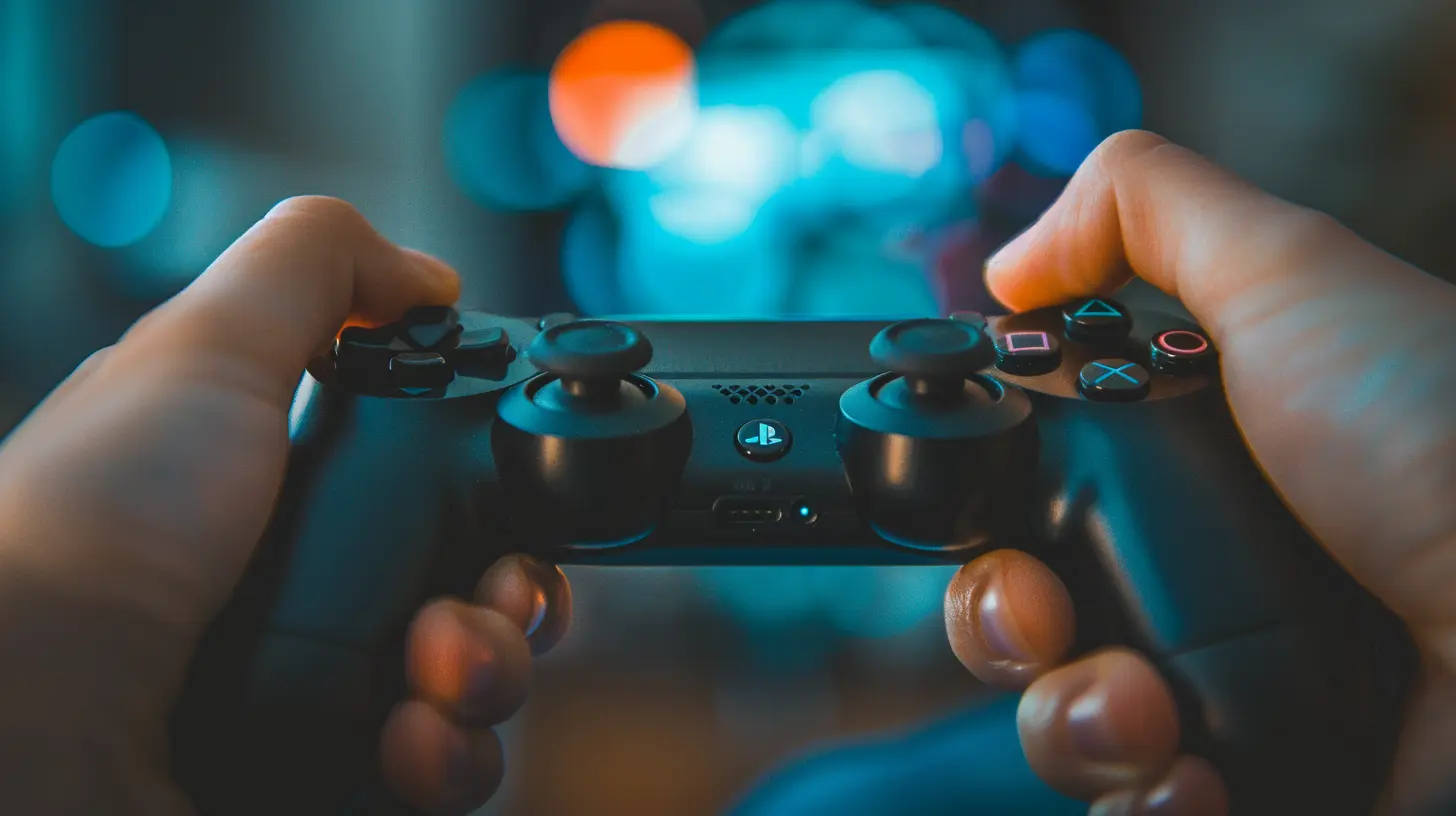
🎮 Why Control Setup Matters More Than You Think
Imagine trying to run a race in shoes two sizes too small. That’s what it's like playing with bad control settings. You might be used to your current setup, but that doesn’t mean it's good. Sometimes, you've gotta rewire your habits to unlock your full potential.Your control setup affects:
- Reaction time
- Accuracy
- Comfort over long sessions
- Overall game enjoyment
The difference between average and top-tier can literally be tweaking a few controls. Mic-drop.
🧠 Understand Your Game First
Before you mess with key bindings or sensitivity, understand the genre and mechanics of the game you're playing. Every genre has different control priorities.For FPS (First-Person Shooters):
- Precision is key. Mouse sensitivity and key placement are massive.- You want fast, fluid movement and snappy aiming.
For Racing Games:
- Analog input is king. Controller users thrive here.- Triggers for gas & brake need to be responsive.
For MMOs & Strategy Games:
- You need quick access to multiple commands.- Macros and keybinds make or break your efficiency.
For Platformers:
- Timing and rhythm rule. Button layout needs to support that.Once you know your game’s demands, you can fine-tune your controls like a pro athlete choosing their gear.
🖱️ Mouse and Keyboard Setup for PC Gamers
PC gamers, this one's for you. Your mouse and keyboard setup is your weapon of mass domination—or frustration.1. Sensitivity and DPI (Dots Per Inch)
- DPI controls how sensitive your mouse is. Lower DPI gives you more control, higher DPI = faster movement.- Most pro FPS gamers operate between 400 - 800 DPI with low in-game sensitivity for accuracy.
- Test it out. Aim for smooth, controllable swipes.
2. Key Bindings Matter—A Lot
Ditch default key bindings. Seriously. Customize them to suit your reflexes and hand comfort.🚫 Don’t stretch your pinky just to switch weapons.
✅ Do map frequently-used keys near WASD. Common favorites:
- Reload → R
- Melee → Mouse 4 or E
- Crouch → Ctrl or C
- Jump → Space or Mouse Button
- Inventory → Tab or I
Make it intuitive. If your fingers have to think twice, you’re already dead.
3. Ergonomics + Positioning
- Keep your keyboard and mouse at elbow level.- Avoid wrist strain: Use padded rests if needed.
- Mousepads matter! A large one gives you ample aim room.
Optimize your posture. Even the best settings won't help if you're hunched like a goblin.
🎮 Controller Settings for Console & PC
Some games just feel right with a controller. But if you’re using default settings, you’re leaving skills on the bench.1. Adjust Sensitivity
- Most games let you tweak Look Sensitivity, Aim Acceleration, and Dead Zones.- A lower dead zone = quicker input response.
Pro Tip: Start with medium sensitivity and gradually increase based on comfort.
2. Button Remapping
Are default controls making you take your thumbs off the sticks? That’s a rookie mistake. Remap!Try these:
- Jump → Bumper or Paddle (if you’re using an Elite/SCUF controller)
- Melee or Slide → Back paddle
- Quick swap → Face buttons or paddles
Want faster reactions? Keep your thumbs on the sticks at all times.
3. Stick Layout
Some people thrive on Southpaw, others on Tactical. Experiment. One layout could instantly feel more natural.⚙️ Customizing Controls Based on Playstyle
Are you an aggressive rusher? A defensive sniper? A support specialist?Your control scheme should reflect your playstyle.
Aggressive Players:
- Map movement and weapon commands to easily accessible buttons.- Lower dead zones for twitch reflexes.
- High sensitivity helps with fast turning and scanning.
Defensive/Strategic Players:
- Prioritize aim precision.- Use paddles/buttons for quick access to defensive tools.
- Macros (on PC) help throw grenades, use medkits, switch scopes faster.
Tailor it. Your setup should fit you like a glove—because one-size-fits-all controls simply don’t cut it.
🛠️ Fine-Tuning: The Key to Control Mastery
Here’s where the magic happens. You're not done after remapping a few buttons. You’ve gotta test, refine, and own your setup.1. Practice in Training or Custom Matches
Don’t jump into ranked with new settings. You’ll just end up tilting. Train first:- Try different aim drills
- Test muscle memory
- Tweak sensitivity one notch at a time
2. Record Your Gameplay
Watch it back. Are you missing shots? Struggling to reload fast enough? You’ll find patterns.Then tweak again.
3. Don’t Be Afraid to Reset
Just because a setting worked once doesn’t mean it always will. As games update, so should your controls.Be flexible. Stay sharp.
☯️ Comfort Over Flash
Yeah, it’s cool to copy a YouTuber’s pro setup. But guess what? Their hands ain’t your hands.If a keybinding feels weird, don’t force it.
Choose comfort over flash every time. Maximum performance comes from muscle memory, and that comes from repetition—not watching someone else’s highlight reel.
Give yourself time. The goal is to make your setup feel like an extension of your brain.
🚀 Bonus Tips: Taking Your Controls to the Next Level
Want some pro-level secrets? Here you go.✨ Use Gaming Software
- Razer Synapse, SteelSeries Engine, Logitech Hub—these let you assign macros and adjust DPI on the fly.- You can set profiles for different games.
✨ Try Claw Grip or Alternate Grips
- Controller players: Claw grip can drastically improve your reaction time (but takes getting used to).- Mouse users: Palm, claw, or fingertip grip changes your aim and comfort.
✨ Invest in Better Gear
- A cheap mouse or stiff controller limits your potential.- Get something tailored to your hand size and playstyle.
You wouldn’t run a marathon in flip-flops. Don’t game with junk hardware.
🧩 Most Common Control Mistakes (and How to Fix Them)
Let’s call them out.❌ Mistake: Overcomplicating Layouts
Fix: Keep it simple. Fewer buttons = faster response times.❌ Mistake: Copying Pro Settings Without Adapting
Fix: Start with them, but adjust for your comfort.❌ Mistake: Ignoring Sensitivity Settings
Fix: Small tweaks lead to massive improvement. Tweak weekly.❌ Mistake: No Warm-Up
Fix: Always practice your controls before jumping into serious matches.🔄 Recap: Level-Up Checklist
Before you load your next game, check this off:☑ Understand your game’s control needs
☑ Customize key bindings or buttons for comfort
☑ Adjust mouse/controller sensitivity
☑ Practice before playing competitively
☑ Watch your gameplay and refine
☑ Stick with what works, ditch what doesn’t
☑ Prioritize performance over copying others
Do it right, and your controls will become invisible. You won’t notice them. Your hands will just do what your brain wants—instantly.
And that, my friend, is maximum performance.
🏁 Final Thoughts
Setting up your controls isn’t just a part of gaming—it’s the foundation. You wouldn’t skip tire alignment before a race, right?So take an hour. Tweak the controls. Get them right. It might feel weird at first, but your future self—the one dominating lobbies and winning tournaments—will thank you.
Happy gaming, and go claim those victories. You've got the control now. Literally.
all images in this post were generated using AI tools
Category:
Game GuidesAuthor:

Leandro Banks
Discussion
rate this article
2 comments
Blake McDougal
Great tips, thanks a lot!
December 23, 2025 at 4:29 AM
Leandro Banks
You're welcome! I'm glad you found the tips helpful!
Raine McCartney
Optimizing controls is crucial for performance; personalized settings can enhance responsiveness and comfort, transforming gameplay and ultimately improving overall skills.
December 7, 2025 at 4:37 AM
Leandro Banks
Absolutely! Customizing controls is key to maximizing performance, as it tailors the gameplay experience to individual preferences, boosting both comfort and skill.