Designing Cities in Video Games That Actually Work
23 July 2026
Let’s be real. We’ve all played that one game where the city design made absolutely no sense. Roads that lead nowhere, buildings crammed together like sardines, and NPCs aimlessly roaming like confused ants. Frustrating, right?
But then there are those gems—games where cities don’t just look great, they feel alive. They work. They breathe. They make you want to spend hours just walking around. Why? Because someone actually thought about how cities work.
Let’s crack open the digital blueprint and talk about how to design cities in video games that aren’t just eye candy—but actual, functional, living ecosystems.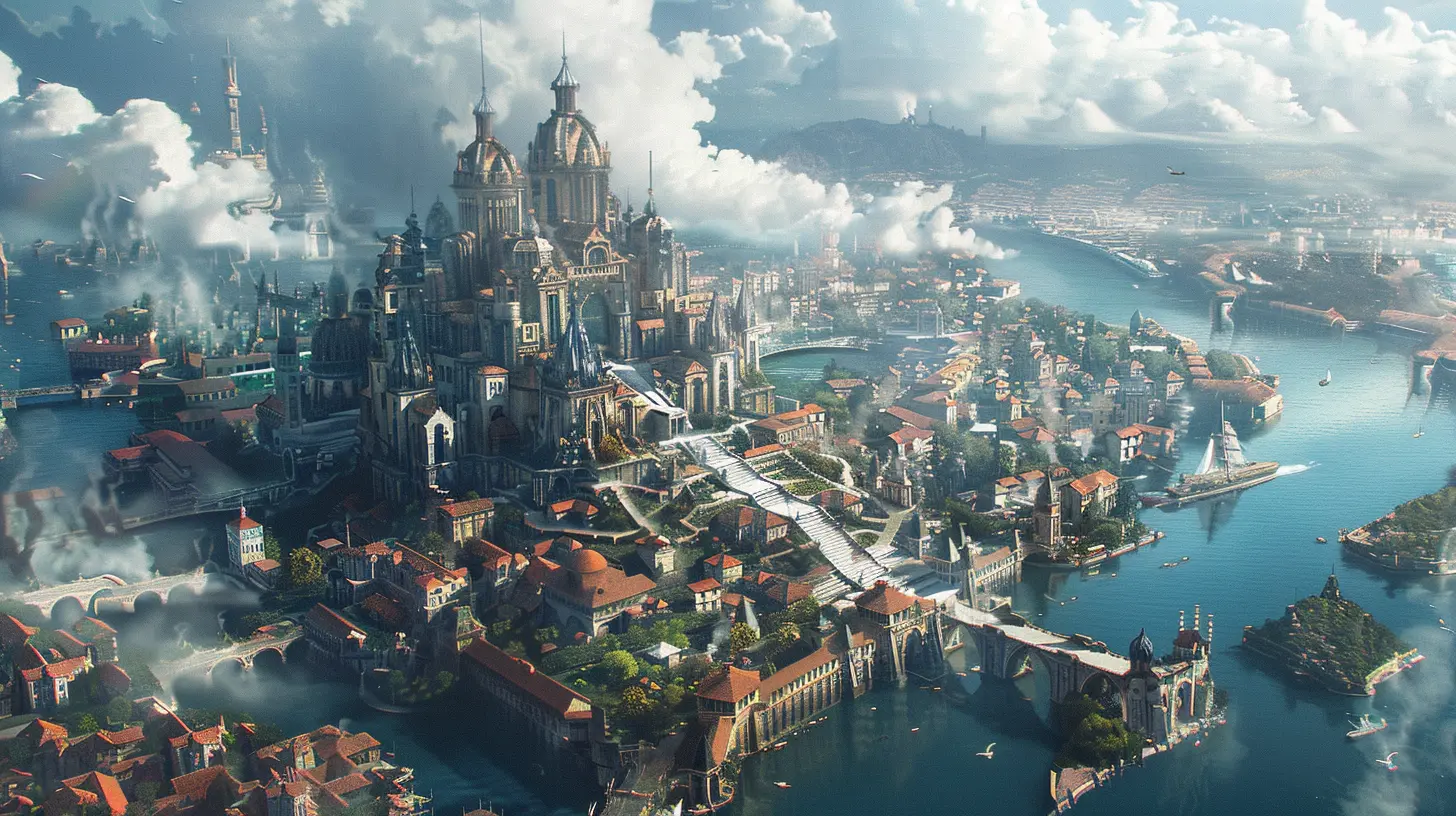
Why City Design in Games Matters (A Lot More Than You Think)
Seems like overkill to care about virtual zoning, traffic flow, or public transport? Think again. A well-designed city in a game doesn't just look good—it impacts gameplay, immersion, and even how players feel emotionally. From fast travel systems to how quickly you can find a quest giver, every decision affects your experience.Bad city design? It breaks immersion faster than a T-posing NPC.
The Foundations: It’s More Than Just Buildings
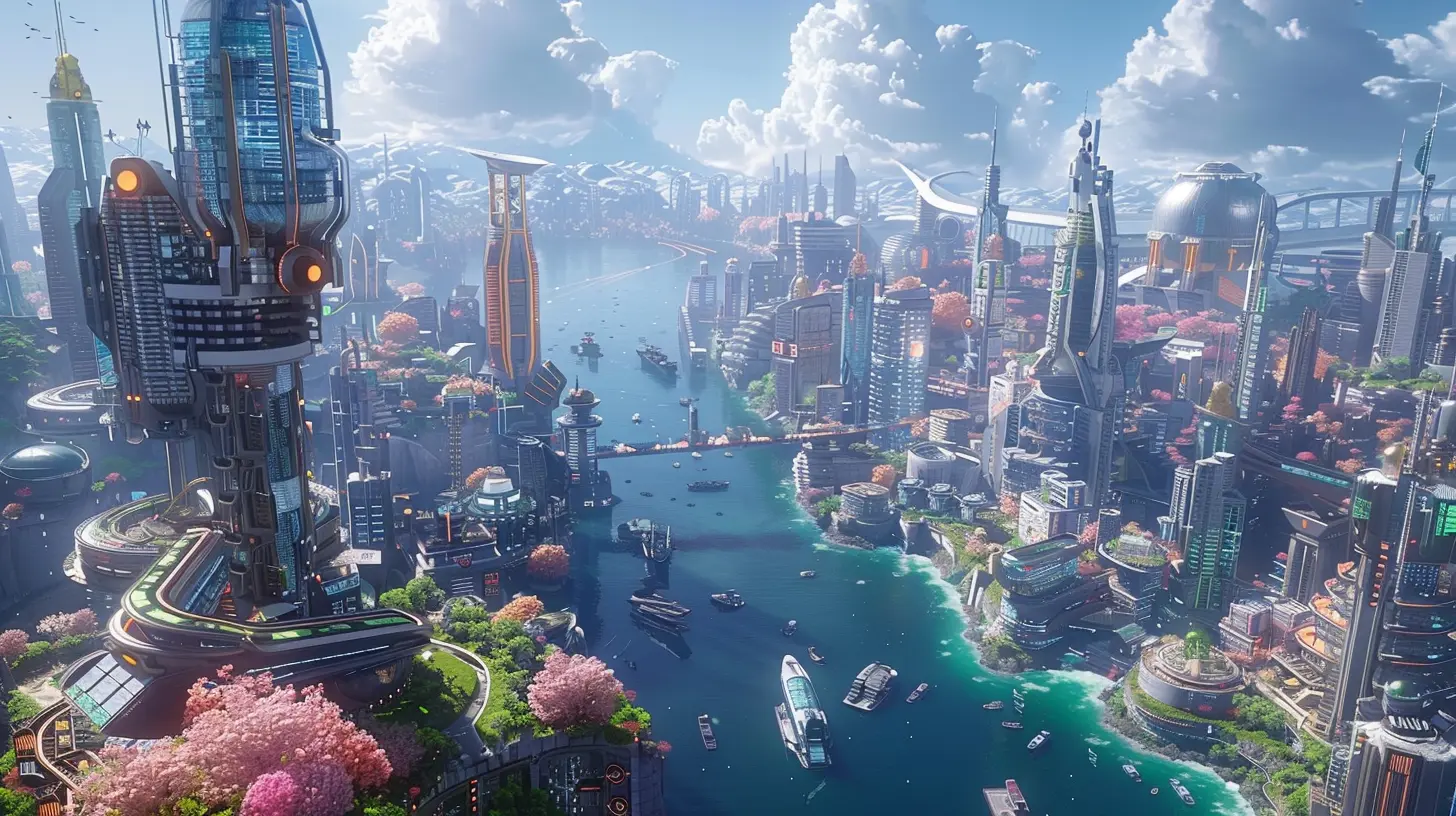
Before we even start throwing down roads and placing skyscrapers, we need to ask: what’s the purpose of this city? Is it a thriving capital? A grimy cyberpunk sprawl? A medieval market town?Every great in-game city starts with intentionality.
1. Function First, Aesthetics Second
Sure, your fantasy RPG city has 16 ornate towers and a big shiny castle. But where’s the nearest blacksmith? How do commoners get from one district to another? If only nobles can afford teleportation, are we really expecting peasants to climb 300 stairs to sell carrots?Designing cities with function in mind ensures players don’t get lost—or worse—bored.
2. Districts Are Your Best Friends
Cities are like onions (yep, pulling out the Shrek references). They’ve got layers. Breaking the city into districts—like residential, commercial, industrial, and entertainment—helps create structure. It also gives players a mental map. When you know the thieves' guild always hangs out in the slums, it becomes second nature to navigate.Quick pro-tip:
Use environmental storytelling to define each district. Dirty alleyways, leaking pipes, and flickering neon signs? Boom—you’re probably in the lower city. Ornate fountains and polished marble? Definitely the palace quarter.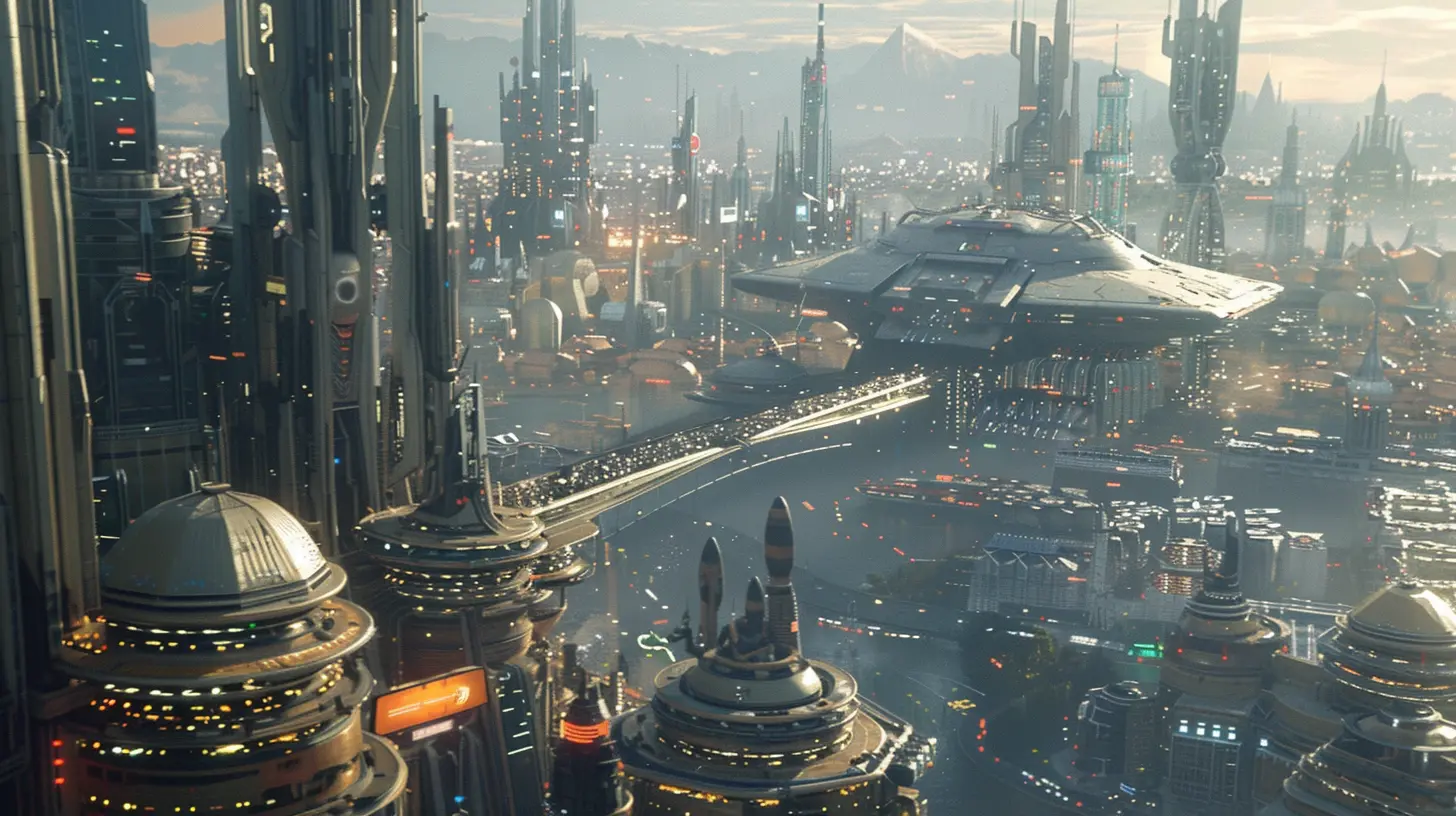
Urban Planning For Games (No, Seriously)
Designing a real-world city takes massive teams and years of planning. In games? You get a level designer, a few lines of lore, and a deadline. But surprisingly, borrowing concepts from urban planning can make your game city emotionally resonate with players.3. The Rule of Accessibility
Think of accessibility like oxygen. If it’s not there, players suffocate.- Can players find essential locations easily?
- Are NPC paths logical?
- Is fast travel available and intuitive?
City layouts should flow like water. You don’t want players bumping into dead ends every five seconds. Smart placement of landmarks—like big statues, unique architecture, or large signs—can act as navigational beacons.
Ever noticed how you always know where the clock tower is in Dishonored or Assassin’s Creed? That’s not an accident.
4. Traffic Patterns and Movement
Even in games, traffic flow matters. It doesn’t have to be cars—think people, animals, carts, or hover bikes. Pathways should feel natural. If a farmer needs to get from the field to the market, there better be a road that makes sense.Overly complex routes kill the vibe. And teleporting NPCs? Don’t even get me started.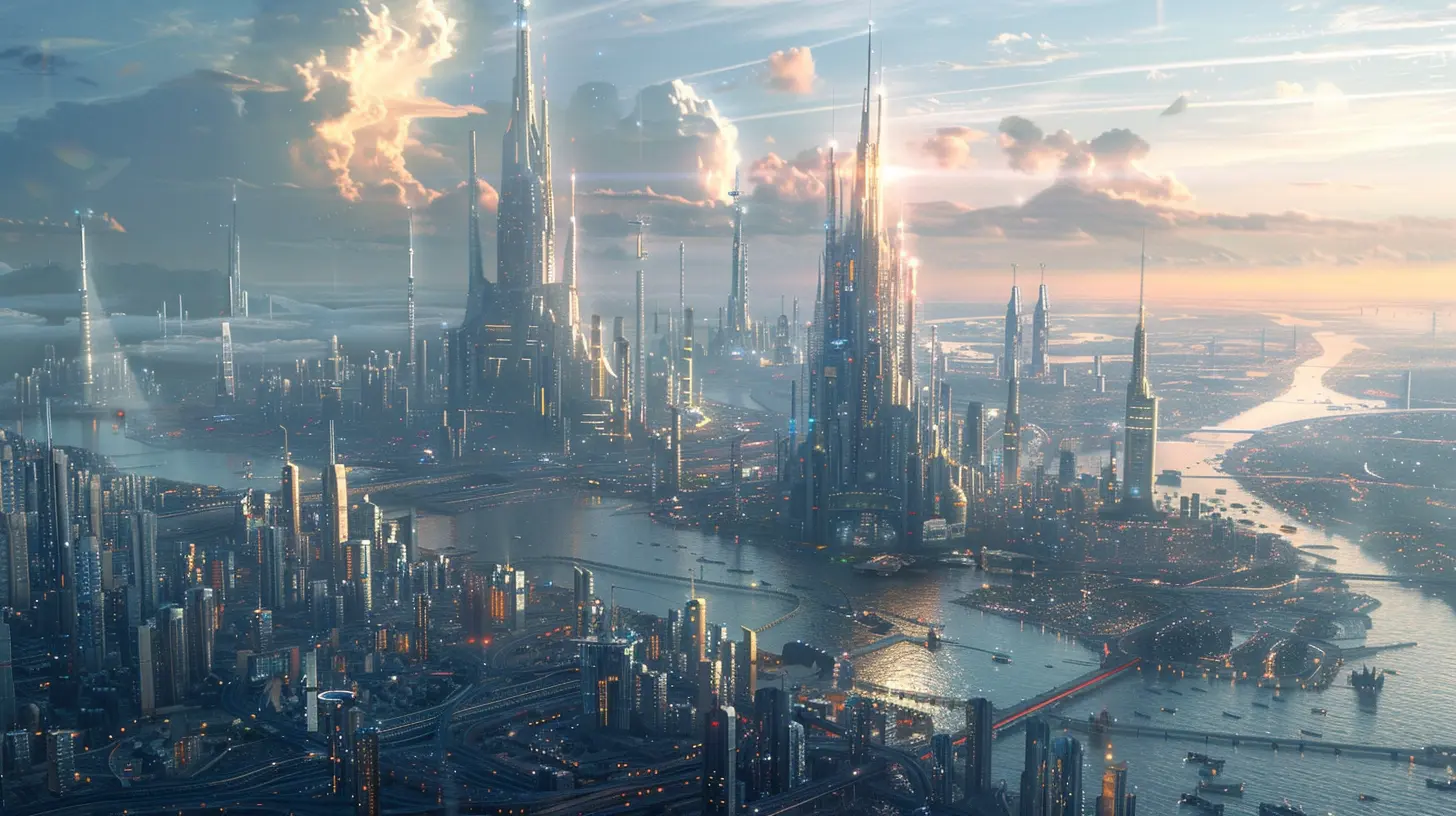
Game-Specific Examples That Nailed It
Let’s spotlight a few games that didn’t just build cities—they built worlds you actually want to live in.5. The Witcher 3 – Novigrad
This place oozes personality. You’ve got the bustling docks, the snooty noble quarters, and the dangerous back alleys. Shops are where you’d expect. The church dominates the skyline (clearly by design), and guards patrol high-traffic areas. Novigrad feels alive because it was planned to.6. GTA V – Los Santos
Love it or hate it, Los Santos is a masterclass in city design. It mirrors real-life L.A., but still functions as a playground. Each neighborhood feels distinct. You can literally drive from the ghetto to Beverly Hills and feel the shift in vibe.Traffic design, street layouts, and fast travel options (hello, taxis!) make it one of the most functional open-world cities ever made.
7. Cities: Skylines
Okay, so this one is cheating a bit. The whole point is to design a working city. But watch how players learn to balance roads, utilities, housing, and public transport. It teaches you why cities work—and how easily they can fall apart.The Pitfalls: Where Game Cities Often Go Wrong
Now that we’ve praised the gods of urban simulation, let’s talk about the tragic missteps.8. Style Over Substance
We get it. Neon lights are cool. Floating platforms with zero context? Meh.Sometimes developers prioritize aesthetics so much they forget people actually have to use the city. Clunky pathways, no clear signage, or a total lack of logic can turn a gorgeous city into a headache factory.
9. Dead Cities
You ever walk into a game city and just… nothing happens?No background chatter, no moving carts, no kids running around, no dogs barking. It’s like zombie-ville. Even if you’ve got killer architecture, a city without ambiance is as dead as disco.
Populate your cities. Add ambient noise. Make the world feel like it’s ticking, even if the player’s not watching.
Mechanics vs. Immersion: Striking the Balance
Cities need to serve a purpose. Be it quest hubs, economic centers, or lore-rich story locations. But if you lean too hard into mechanics, you lose immersion. And if you go full immersion with no thought to gameplay, you confuse your players.10. Blending Gameplay With World-Building
Put your quest givers in places that make sense. Have faction members hang out in relevant areas. Your Thieves’ Guild shouldn’t be operating from the mayor’s house unless that’s part of the plot.Maintenance guys should be fixing things. Guards should be guarding, not dancing in the streets (unless you’re in a really weird game).
Give your world logic.
Building Cities for Different Genres
Each game genre needs different city design strategies.11. RPGs
Players expect deep lore, varied districts, and meaningful NPC interactions. Design with exploration in mind. Place secrets in alleys. Make getting lost feel rewarding.12. Open-World Action Games
Focus on mobility. Players need clear roads, fast travel hubs, and verticality options like ziplines, elevators, or grappling hooks.13. Strategy Games
Efficiency is key. Cities need to be laid out for maximum productivity. Think Sim City or Age of Empires—every building placement matters.14. MMOs
Design for many people. Wide streets, clear hubs, auction houses near banks, and no bottlenecks. You want 300 players in a single plaza without it feeling like a mosh pit.Tools and Tips For Developers
If you’re designing a city for your game—or just modding one—here are a few killer tips to keep in your pocket:- Start with a hand-drawn map: Sketch out broad zones and decide the city’s purpose.
- Use modular design: Reuse assets smartly to maintain cohesion without making everything look the same.
- Playtest the hell out of it: Watch players navigate. Take notes on where they get lost, bored, or frustrated.
- Build vertical: Especially for dense games. Multi-story structures add complexity and realism.
- Use landmarks as guides: This helps with orientation and makes cities feel more real.
City Design Isn’t Just An Afterthought—It’s The Game
Let’s be blunt here. A badly designed city can kill your game’s pacing, break immersion, and frustrate players to the point of quitting. On the flip side, a well-thought-out city can elevate your entire game from “meh” to masterpiece.You don’t need to be an architect to design a city that works. You just need to think like a player.
So next time you boot up your favorite game, look at the city not just as a place—but as a character. Because when done right, those digital streets, alleys, and skylines tell a story all on their own.
all images in this post were generated using AI tools
Category:
Game WorldsAuthor:

Leandro Banks
Discussion
rate this article
1 comments
Marcus McCarthy
This article brilliantly highlights key elements in city design, showcasing how virtual spaces can mirror real-world urban planning.
July 23, 2026 at 2:23 AM